SQL Queries
SQL Statements
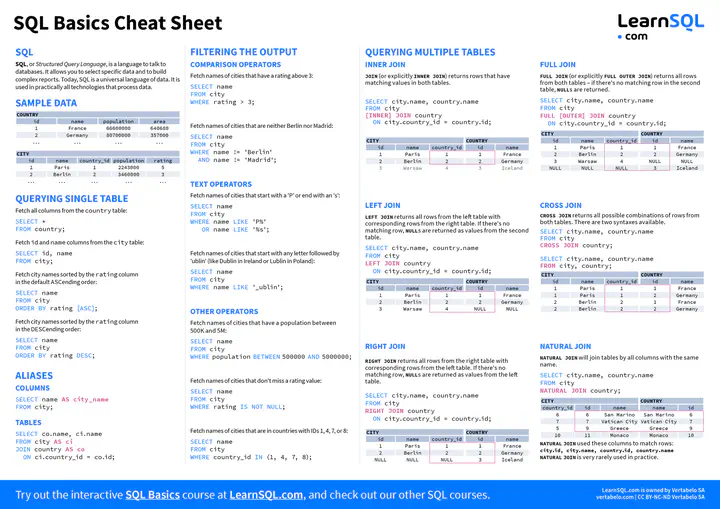
SQL Basics Cheat Sheet 1
SQL Basics Cheat Sheet
SQL Basics Cheat Sheet 2
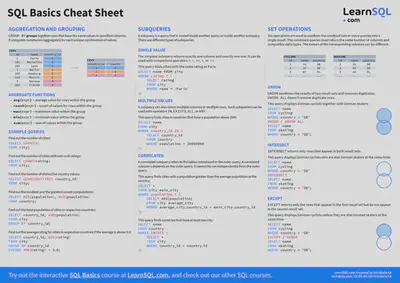
SQL Basics Cheat Sheet 2
Creating and managing databases
Creates a new database.
CREATE DATABASE bank;
Delete/Drop a database and all of its contents
DROP DATABASE bank;
Show all databases in your cluster.
SHOW DATABASES;
IF EXISTS can be used to prevent errors if we (for example) attempt to delete a database that doesn’t exist.
IF EXISTS can also be used with many other SQL statements and combined with other operators.
Examples:
DROP DATABASE IF EXISTS bank; | CREATE DATABASE IF NOT EXISTS bank; |
|---|
DROP DATABASE … CASCADE can be used to remove all objects that rely on the database that is being dropped. DROP DATABASE … RESTRICT can be used to prevent the DROP DATABASE command from executing unless the database is empty.
Examples:
DROP DATABASE bank CASCADE; | DROP DATABASE bank RESTRICT; |
|---|
Creating tables and schema
Create a new table in the database.
CREATE TABLE users (
        id UUID PRIMARY KEY,
        city STRING,
        name STRING,
        address STRING,
        credit_card STRING,
        dl STRING
);
Define a multi-column primary key:
CREATE TABLE users (
        id UUID,
        city STRING,
        name STRING,
        PRIMARY KEY (city, id)
);
Define a foreign key referencing another table in the database:
(In this case, referencing a column called city in table called locations).
CREATE TABLE users (
        id UUID PRIMARY KEY,
        city STRING REFERENCES locations(city),
        name STRING
);
Create an index based on a column:
CREATE TABLE users (
        id UUID PRIMARY KEY,
        city STRING,
        name STRING,
        INDEX (name)
);
Disallow NULL values from a column:
CREATE TABLE users (
        id UUID NOT NULL,
        city STRING,
        name STRING
);
Create a new table using the results of a query:
CREATE TABLE users_ny(user_id, name, city)
AS SELECT * FROM users
WHERE city = 'new york';
Managing SQL tables
ALTER TABLE
Apply a schema change to a table.
ALTER TABLE bank ADD COLUMN active BOOL;
ALTER TABLE is used with subcommands such as:
ADD COLUMN
Add a column.
ALTER TABLE bank ADD COLUMN active BOOL;
DROP COLUMN
Remove a column.
ALTER TABLE bank DROP COLUMN active;
ALTER COLUMN
Change column constraints, datatypes, etc.
ALTER TABLE bank ALTER account_balance TYPE FLOAT;
RENAME COLUMN
Rename a column.
ALTER TABLE bank RENAME COLUMN account_balance TO balance;
RENAME TO
Rename a table.
ALTER TABLE bank RENAME TO users;
DROP TABLE
Remove a table.
DROP TABLE bank;
DROP TABLE … CASCADE can be used to remove all objects (constraints, views, etc.) that rely on the table being dropped.
DROP TABLE … RESTRICT can be used to prevent the DROP TABLE command from executing unless the table is empty.
Use DROP TABLE statements with caution!
Inserting data
INSERT INTO … VALUES
Insert rows with specified values into a table.
INSERT INTO users (name, city) VALUES('Alice', 'New York');
INSERT INTO … SELECT
Insert rows into a table from the results of a query.
INSERT INTO drivers (id, city, name, address)
    SELECT id, city, name, address FROM users
    WHERE name IN ('Anita Atkinson', 'Devin Jordan');

MD SUMAN MIAH
Environmental Specialist, Hydrogeologist, and Evaluation Practitioner
An Environmental Specialist with expertise in climate change impact and resilience, combining hydrogeology and data analytics to drive sustainable solutions in South Asia. Passionate about advancing environmental sustainability through research and community-centered projects.